 ADB AppControl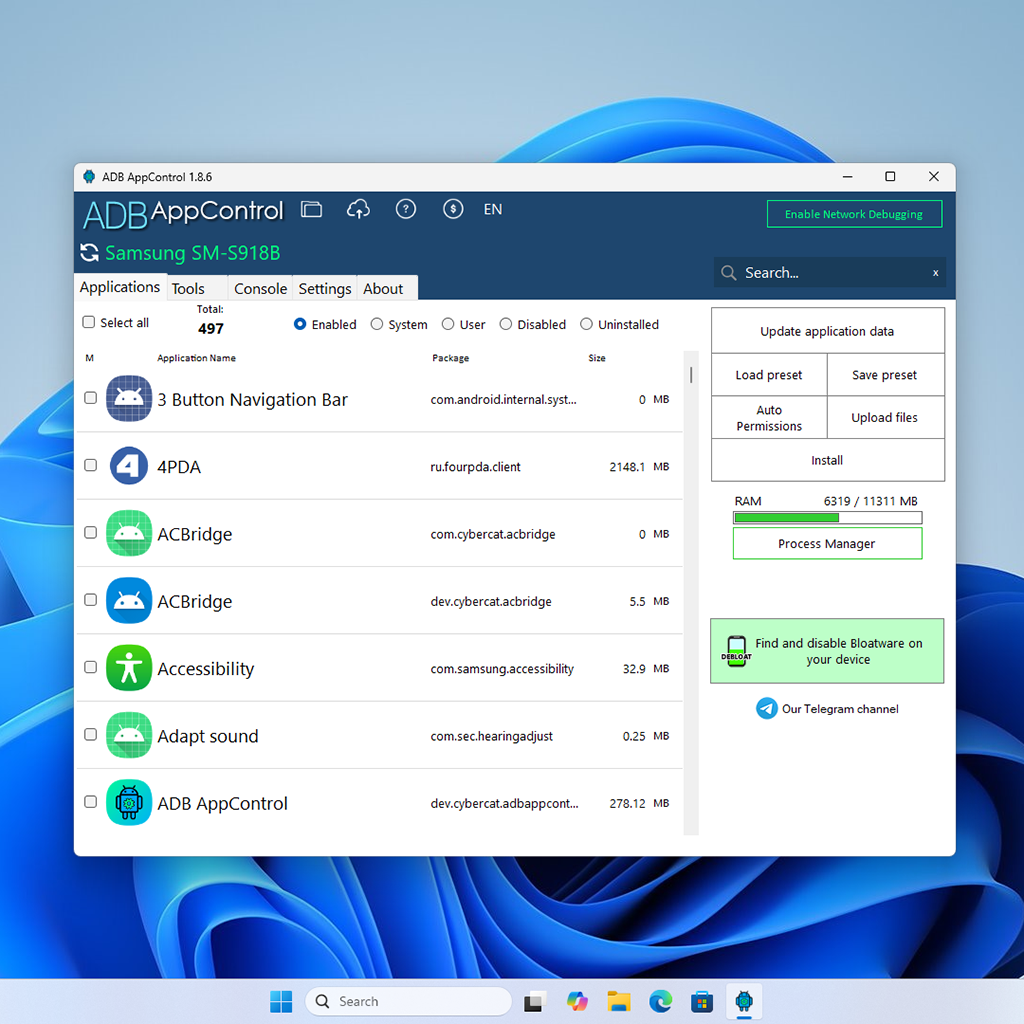
ADB AppControl PC
The ultimate app manager for Android devices on your Windows computer.
- App Manager
- USB-Connection
- Debloat Wizard
- Tools
ADB AppControl for Windows
Designed to streamline Android device management, ADB AppControl for Windows offers a clean and modern graphical interface for working with ADB and automates batch operations to manage apps across Android device. It also includes a set of practical tools that help improve productivity and enhance the overall user, development and testing experience.
System Requirements
Windows 7, 8, 8.1, 10, 11 with installed .NET Framework 4.6 or higher.
Latest Version
1.8.6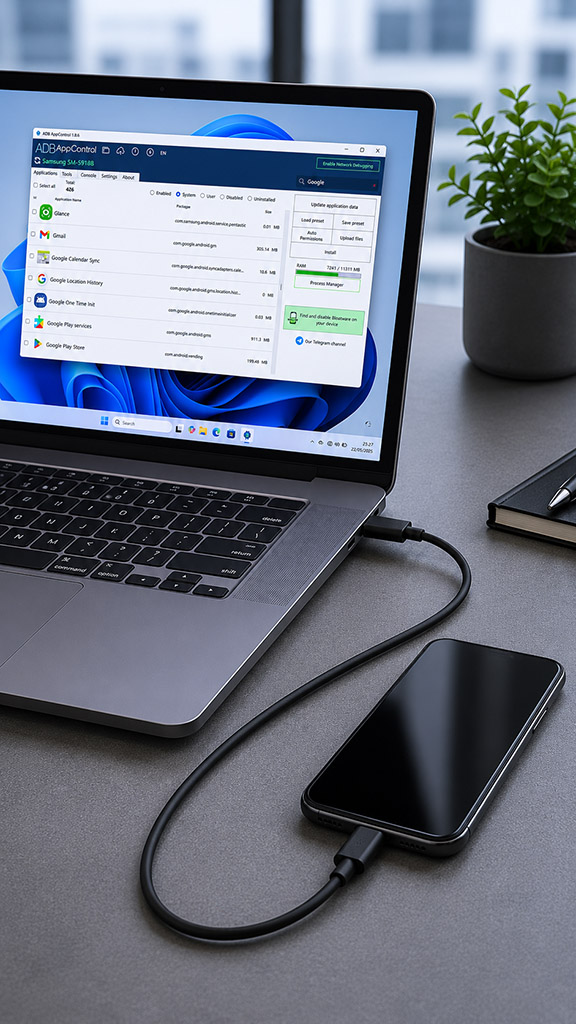
Forget the command line!

Do you like ADB AppControl?
Extended your ADB AppControl with powerful features.
- Debloat Wizard
- Batch apps installation
- Exclusive ADB key protection
- ...many other things you will like!

Tools
Change your screen resolution, take screenshots, reboot into Fastboot, and use the user-friendly interface to control your device screen using the scrcpy utility.

Debloat wizard
The Debloat Wizard offers recommendations of unwanted applications that can be safely disabled. This may help to prepare the device for your tasks as well improve the autonomy and performance

Console
If you still haven't forgotten about the command line, take advantage of this convenient console, which includes the logcat tool and the ability to save your favorite commands.