 ADB AppControl
Beyond the
command
line
ADB AppControl
The ultimate application manager for Android developers, QA engineers, and power users.
Choose your platformPowered by CyberCat Developer.
App Manager
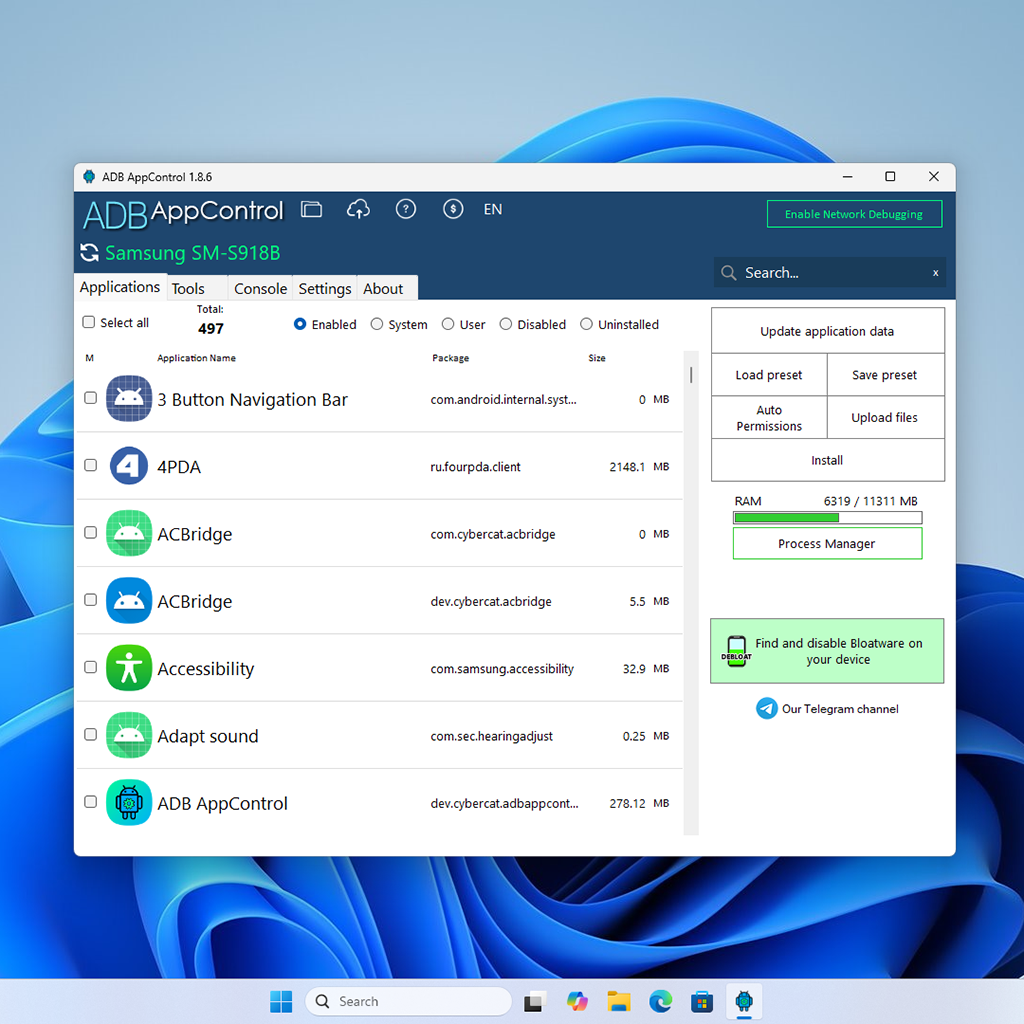
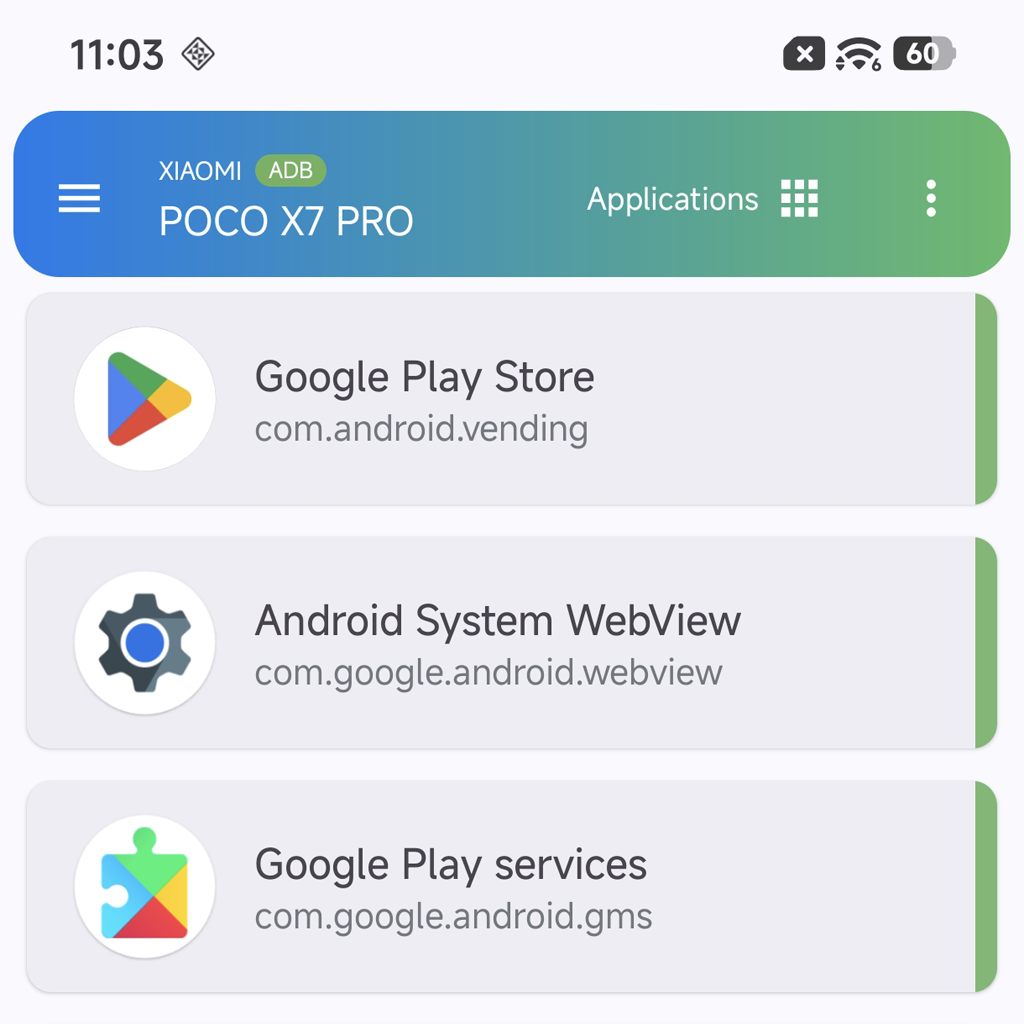
Disable and uninstall apps without root access. Install APK and APKS files and grant specific permissions to apps.
Batch Operations
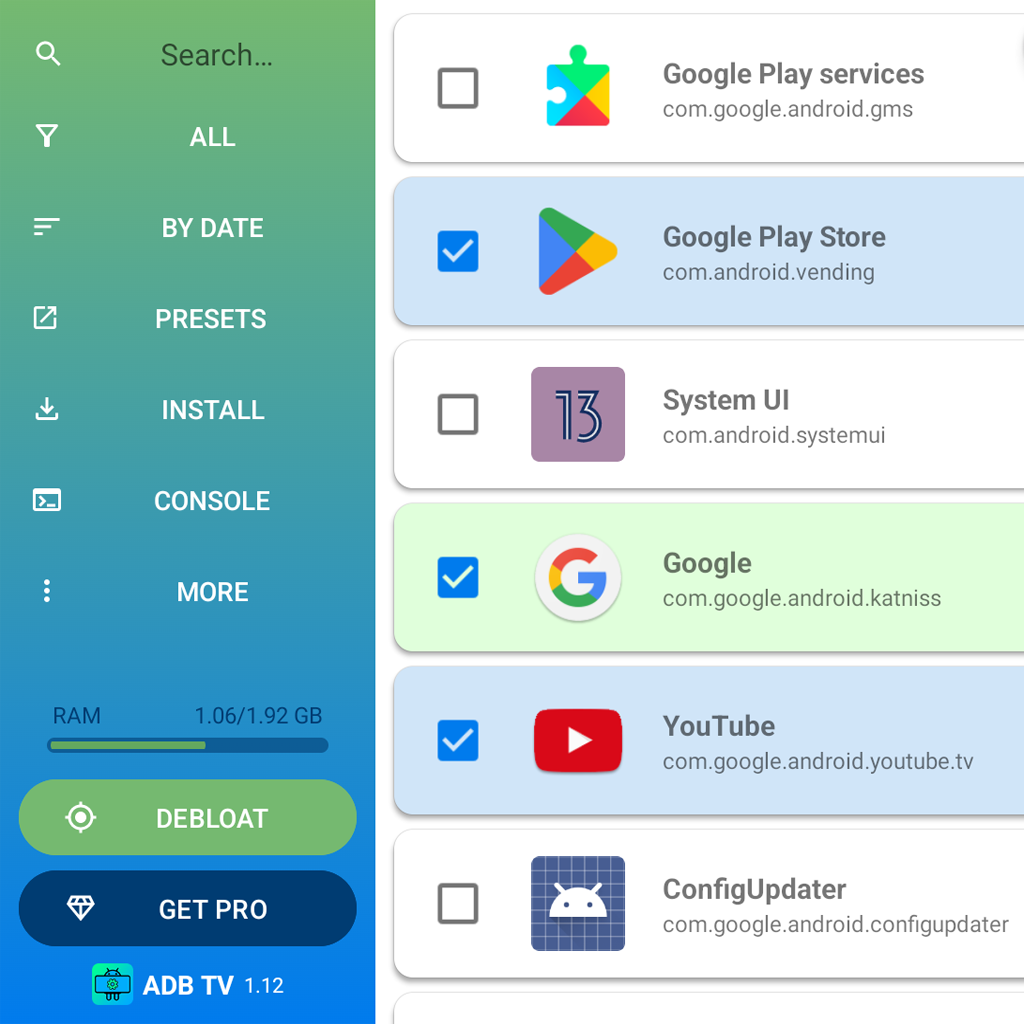
Manage and install multiple apps at once to streamline your routine tasks. Build your own presets for repetitive actions.
Toolset
Explore running processes, search for bloatware, read logs, change screen resolution and DPI, and reboot to fastboot with a single click.
Shell
Bring your most advanced workflows to life with the built-in shell console, featuring syntax highlighting and a favorite command list.
No matter whether you do
debuggingdevelopingtestingdebloatingmaintainingdiscovering
there is a tool for you.
Essentials for getting started
What is ADB?
ADB (Android Debug Brigde) is a legal protocol implemented in Android for debugging and testing that is available on most Android devices, secure and does not require root privileges. ADB was originally designed as a tool for developers, but today it has become widely used, responding to users' desire for control and privacy over the devices they own.
Is using ADB safe?
Unlike root privileges, ADB’s capabilities are very limited, so you won’t be able to seriously damage your device. Even if you accidently delete important system apps or make other mistakes while using ADB, any problems that may arise can be resolved by resetting the device to its factory settings. After a factory reset, the device will be completely restored to its original state, just as it was when you first turned it on, but all your data will be lost. Therefore, it’s very important to always back up your data.